Oily Scalp & Hair Loss
Greasy roots by mid-afternoon and a part line that seems wider than it used to be — it's natural to assume the two are one problem. Whether they're actually connected in your case is a question for a qualified professional, and no photo tool should answer it for you. But unlike an itch, oil has a visible side: shine along the part and crown photographs clearly under even light. That makes this trackable. A four-angle scan reads visible shine and visible coverage as two separate signals, each with its own confidence level, and saves them as a dated baseline. Months later you'll know which one is changing, which is holding — and you'll have a record worth showing to someone qualified instead of a theory.
Photos and a blurred preview are free. The full reading is $2.99 — your stage, whether it looks early, and what to do next.
How it works
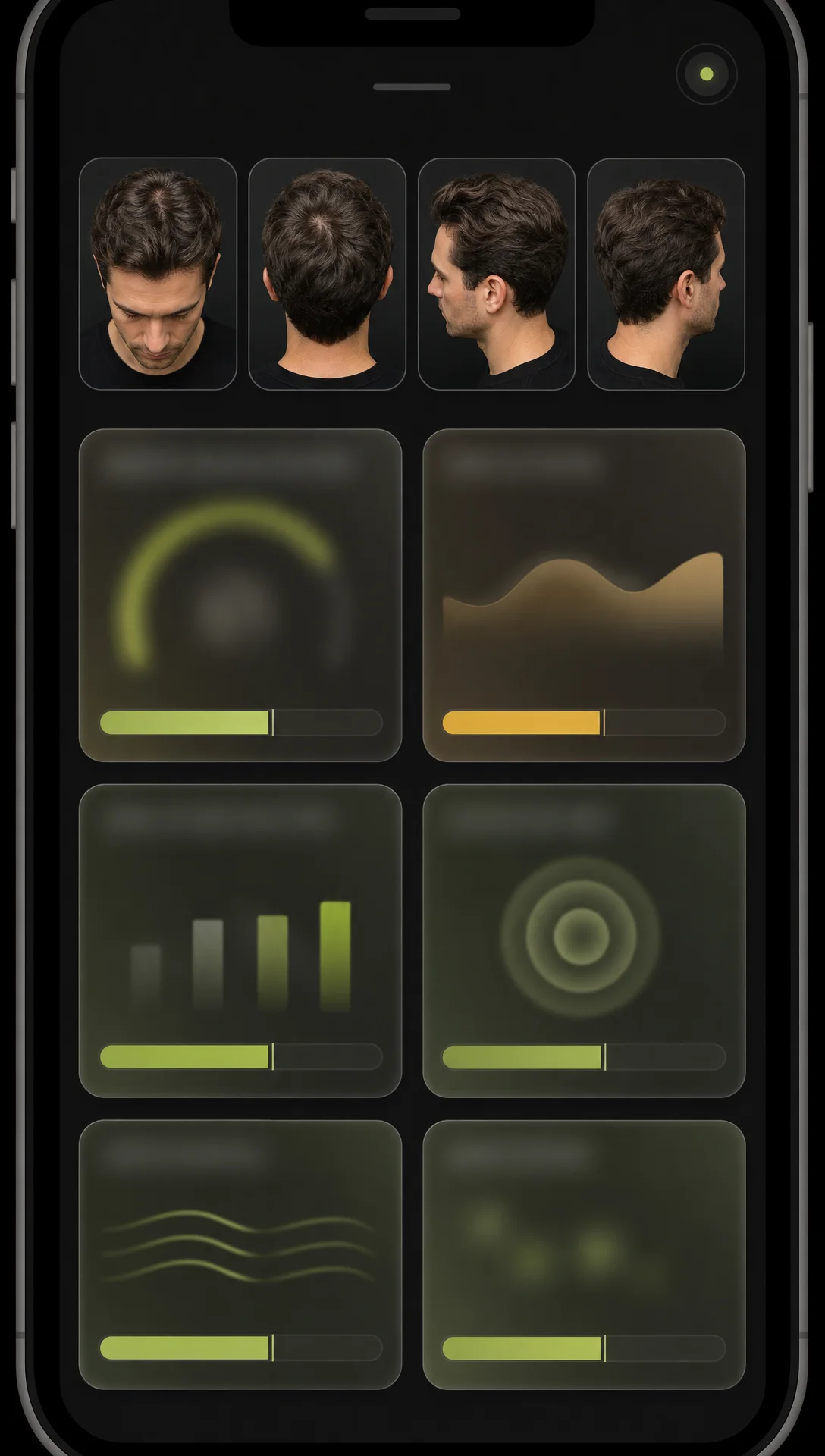
Same four angles, every time — so each new scan compares fairly to your very first.
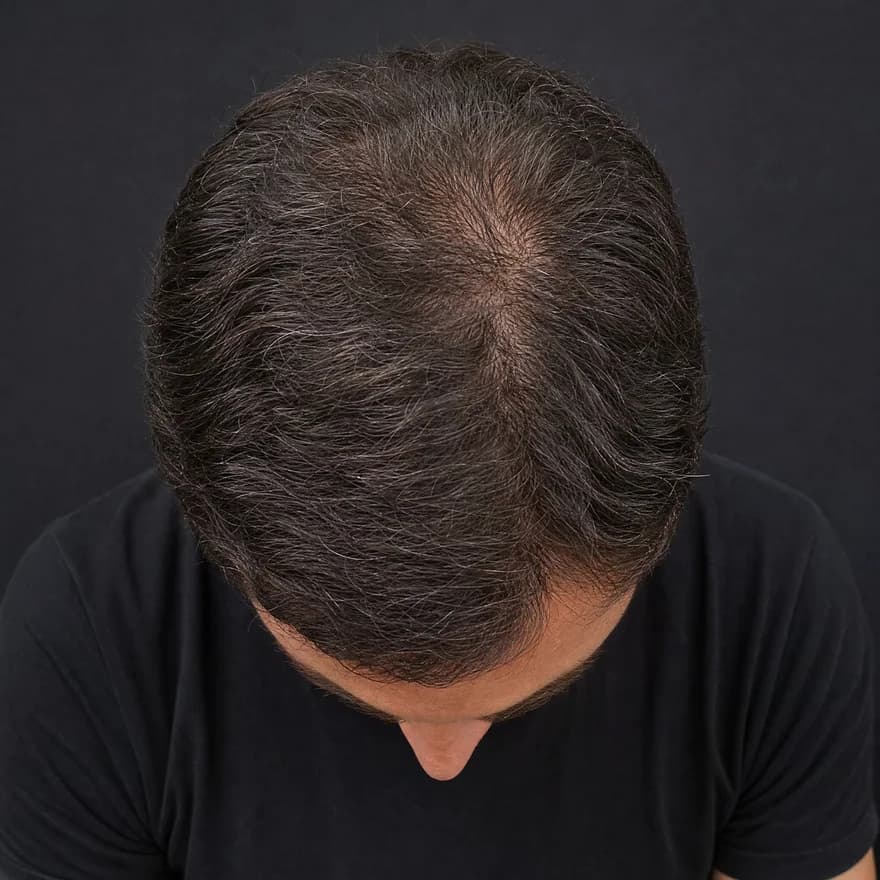
Top · Crown
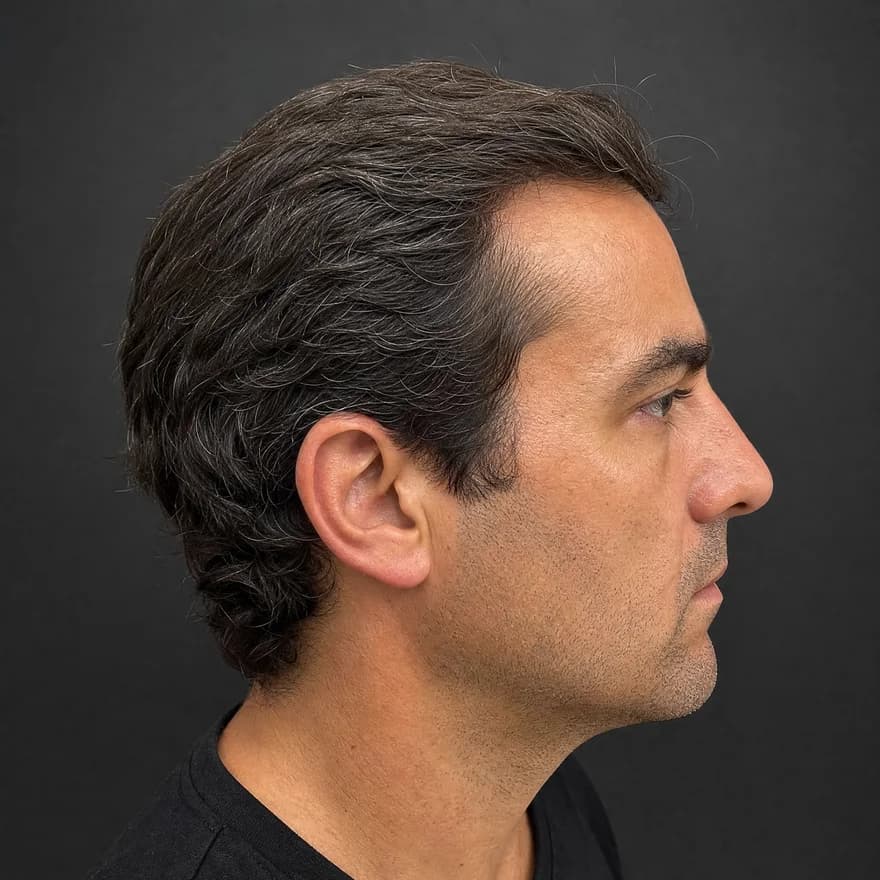
Side · Temple
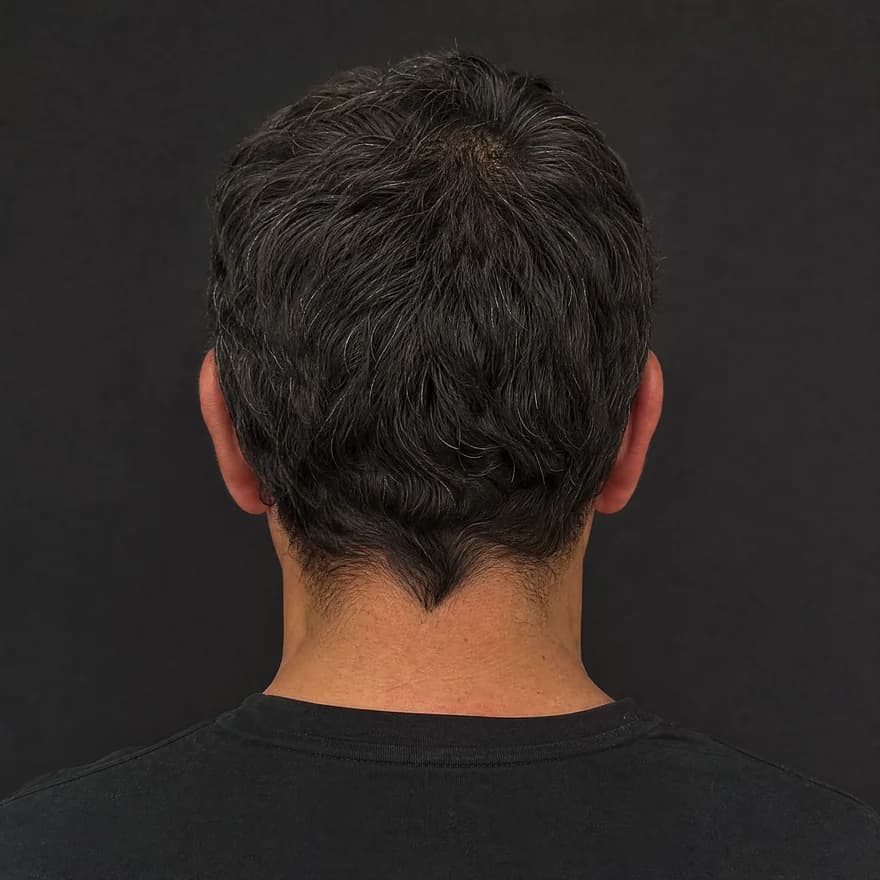
Back
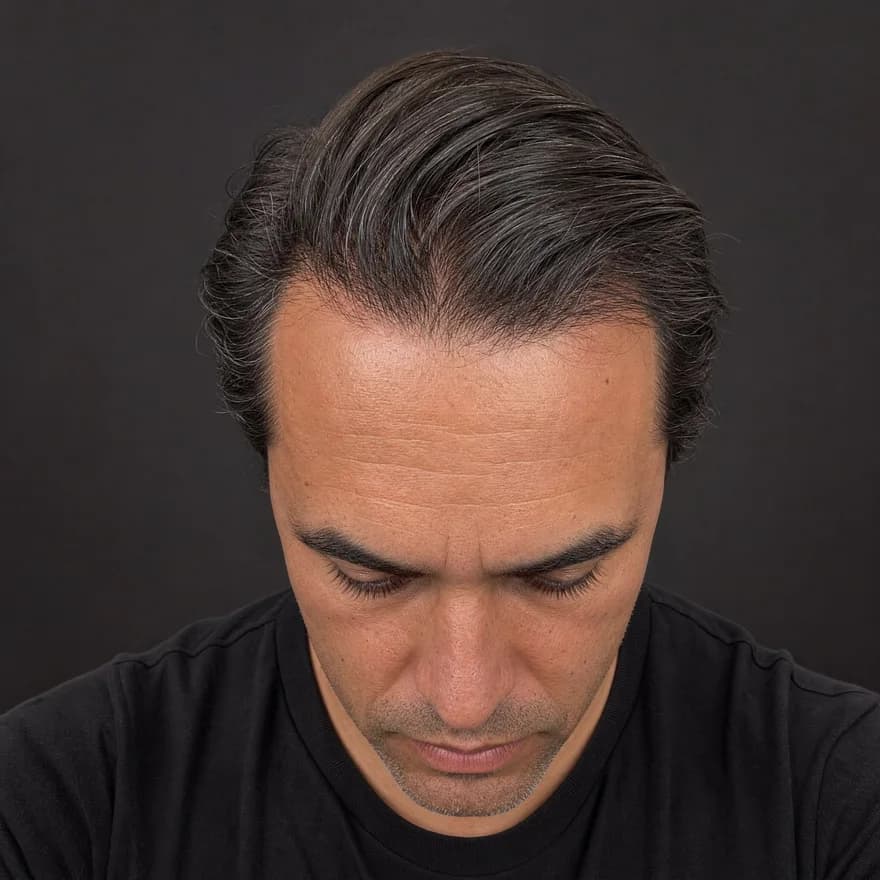
Front · Hairline
Same four angles, every time — illustrative example
Front · crown · temple · back
Four guided angles in about 30 seconds — the same views every time.
Hairline · density · scalp
AI reads each angle for hairline shape, crown density, and scalp surface.
Usable · limited · low-light
Every reading shows its confidence — limited views are flagged, not guessed.
Your baseline, revisited
Save it, rescan later, and see exactly what moved.
Two signals, read apart
Lumping shine and coverage into one worry is how the mirror misleads. The report keeps them apart on purpose.
Reflective patches read along the part, crown, and hairline under even light — reported only where the photos actually show them.
Show-through at the part and crown reads as a stable tier — the signal an oily, flattened style makes hardest to judge by eye.
Shine can settle while coverage drifts, or the reverse. Separate trends are what make the picture honest across months.
Wet-looking hair and harsh light are genuinely hard to read. Anything uncertain is flagged as low confidence, not stated as fact.
Greasy day vs. real trend
Neither column is a verdict — they're the visible patterns to check your own photos against over months.
Appearance-based patterns for comparison — not a diagnosis either way.
Make it comparable
Oil moves the apparent picture more than almost anything else — which is exactly why conditions have to stay fixed.
Freshly washed and fully dry is the fairest state to record. Scanning mid-greasy-day builds the noise into your baseline.
Guided capture frames the same four views every time, so a change in shine or show-through is a change on your head — not a change in camera position.
Check the shine tier and the coverage tier as their own lines. One moving while the other holds is a real, useful finding.
Persistent irritation, or a coverage trend that keeps drifting, is a professional's question. Arrive with dated photos instead of a hunch.
What you get
An illustrative example of the report — yours is built from your own four angles.
Questions
That's a cause-and-effect question, and answering it from photos would be guessing — so this tool doesn't. What it does instead is keep the two visible signals honest and separate: how much shine the photos show, and how much coverage shows through at the part and crown. Whether one drives the other in your case is a conversation for a qualified professional, ideally with your dated record in hand.
Naming the reason from a photo would be a diagnosis dressed up as an observation, so we deliberately don't. What a scan can tell you is whether the visible shine is actually different from your baseline or just reads that way today — freshly washed hair, humidity, and lighting all shift how oily a scalp looks on any given afternoon.
Photos show shine — reflective patches along the part, at the crown, and around the hairline under even light. That's the visible signature people mean by an oily scalp, and it can be read and compared scan to scan. What photos can't show is anything underneath: no camera reads oil production, and the report never pretends to.
This is exactly where a fixed baseline earns its keep. Oily hair clumps and lies flat, which shows more scalp and can read as thinning even when coverage is stable. Guided angles under consistent conditions let the scan read coverage as a tier across months — so you're comparing your head to your head, not to one greasy afternoon.
If the oiliness is a persistent bother, comes with itch, irritation, or flaking, or your coverage trend keeps drifting between scans, professional eyes are the sensible next step. Bring the dated photos — 'here's the same part line, twelve weeks apart' is far more useful to them than 'it feels greasier lately.'
Taking the four guided photos and previewing your report is free, no sign-up needed. The full analysis — shine and surface signals, density tiers, hairline read, and a saved baseline — is $2.99 per scan.
A note on transparency
ScalpAnalysis AI reads appearance-based signals and tracks visible change over time. It does not diagnose, treat, cure, or prevent any condition.
If you have pain, sudden shedding, or signs of infection, a qualified professional is the right next step.
The report it produces
This is the exact report format a scan unlocks — qualitative tiers, your visible features, and a confidence level on every reading. Saved as a baseline you compare against on every rescan.
Your Hair Profile
Temples just starting to open — crown still covered
Density
Medium
Type
Wavy
Texture
Medium
Shine
Medium
Risk of Recession
Low
Hair Loss
Mild
Illustrative example · sample data
Related guides
From the blog
Photos and a blurred preview are free. The full analysis is $2.99, or invite 3 friends for one free analysis.
