AI Hairstyle Try-On
Screenshots of other people's haircuts only get you so far — the honest question is what a cut looks like on your head. Take four guided photos and the scan reads your face shape and visible hair attributes, picks three styles that may suit you, and renders them on your own front photo. Browse a library of 35 men's and 10 women's styles beyond the picks. Every preview is an illustrative styling reference to bring to your barber — not a promise of the exact result.
Photos and a blurred preview are free. The full reading is $2.99 — your stage, whether it looks early, and what to do next.
The try-on library
35 men's and 10 women's styles in the library — your scan picks three that may suit your face shape and hair.

Crew Cut

Caesar Cut

Ivy League

Low Fade

Comb Over

Faux Hawk

Modern Mullet

Undercut + Long Top

Pixie Cut

Sleek Straight

Long Layers

Classic Bob
Editorial style references from our library — illustrative examples, not client results.
How it works
Same four angles, every time — so each new scan compares fairly to your very first.
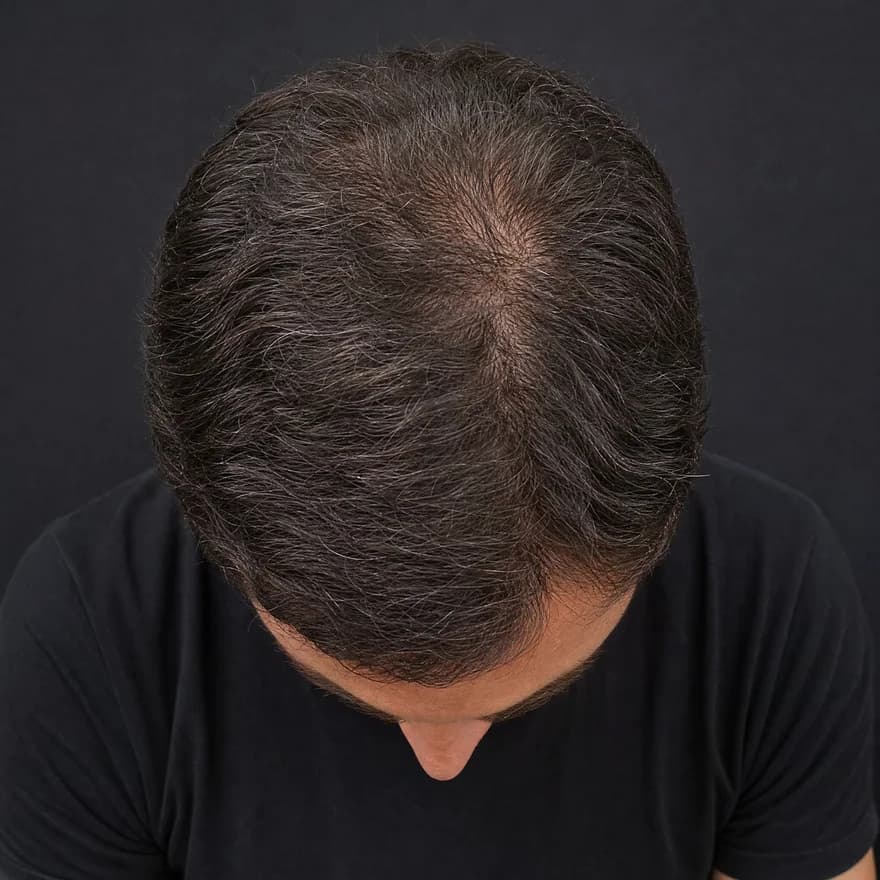
Top · Crown
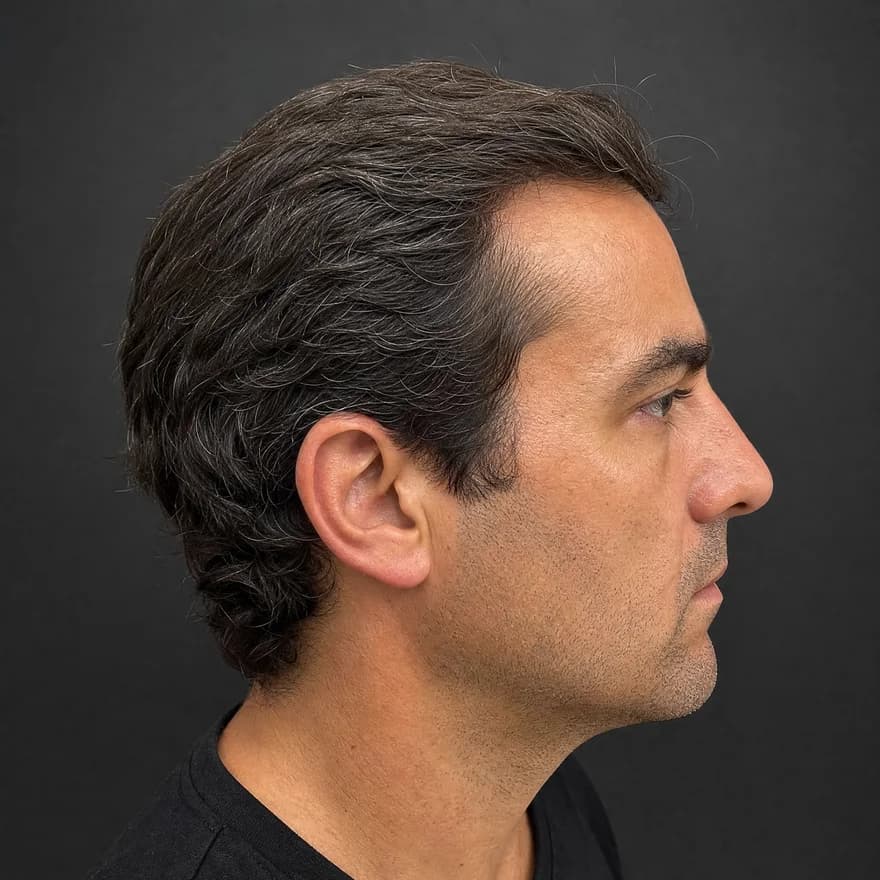
Side · Temple
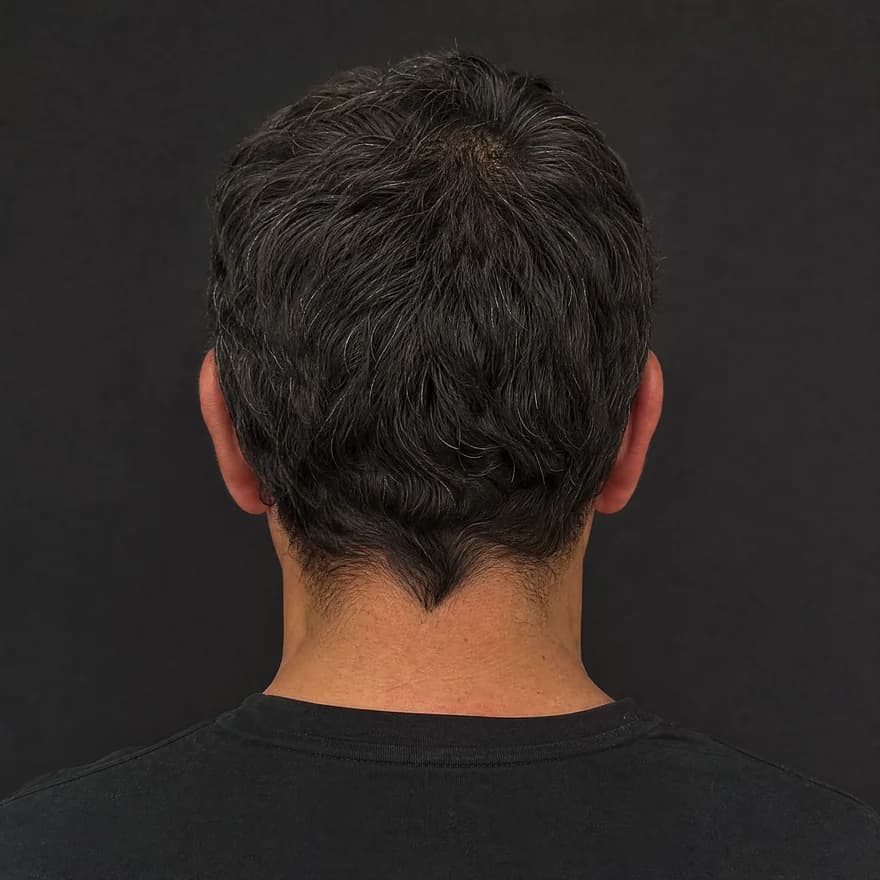
Back
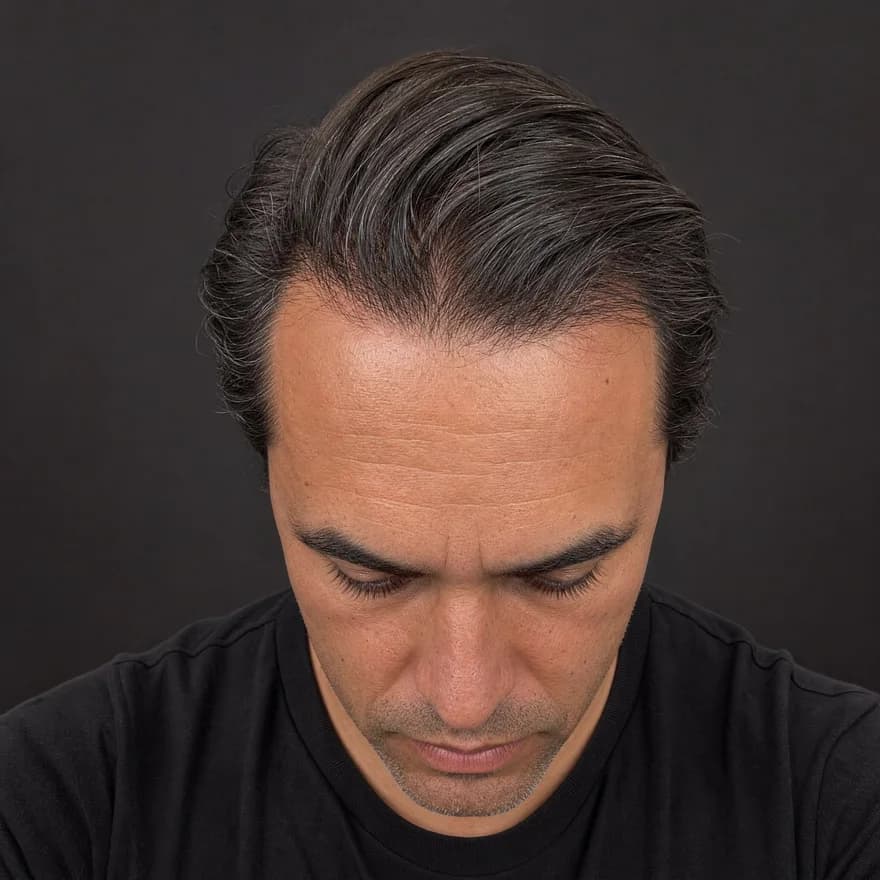
Front · Hairline
Same four angles, every time — illustrative example
Front · crown · temple · back
Four guided angles in about 30 seconds — the same views every time.
Hairline · density · scalp
AI reads each angle for hairline shape, crown density, and scalp surface.
Usable · limited · low-light
Every reading shows its confidence — limited views are flagged, not guessed.
Your baseline, revisited
Save it, rescan later, and see exactly what moved.
What a preview looks like
This is the kind of preview you get: same face, same lighting, only the hair changes.
 Before
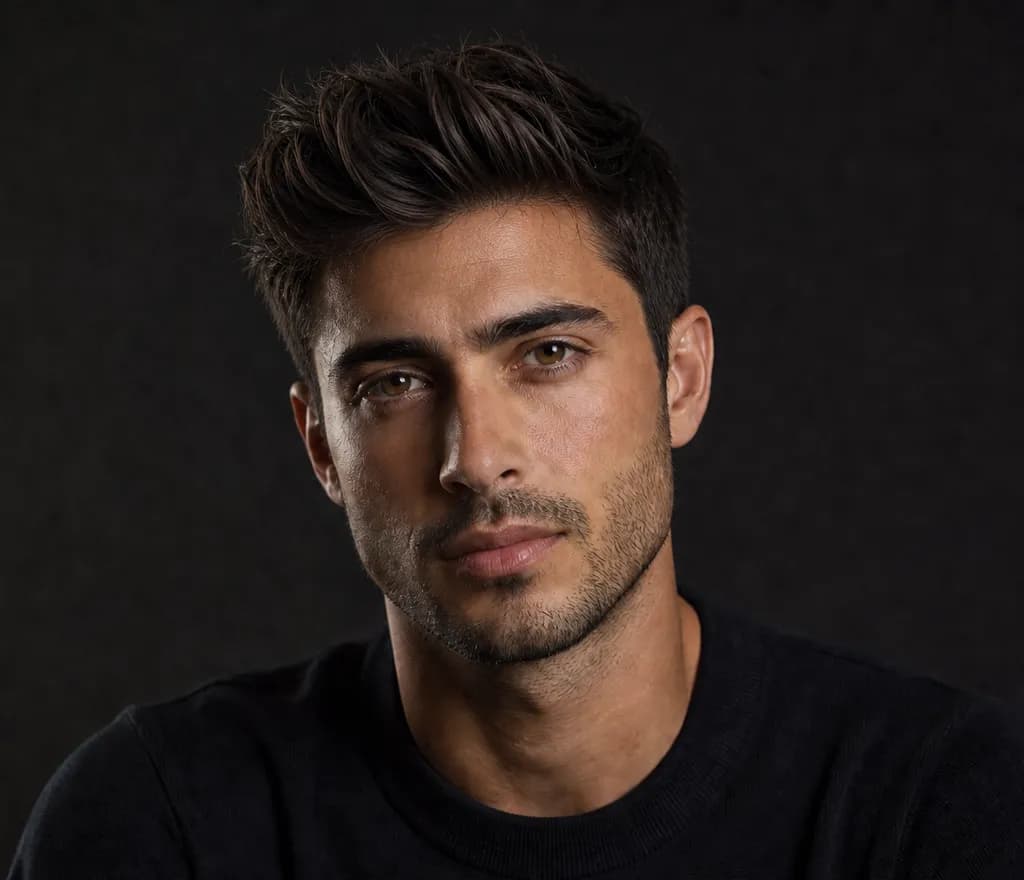 After · Modern Quiff
Why start from a scan
Most try-on apps paste a hairstyle onto any face and call it a day. The difference here is what happens before the preview.
Both are previews, not promises — but only one starts from what your photos actually show.
What powers the preview
Previews render on your own front photo — your lighting, your features — so the direction is judged on you, not on a stock face.
Visible density, texture, and hairline shape from four angles — the practical constraints that decide whether a style actually works.
Instead of a wall of options and no guidance, you start with three styles that may suit your combination — each explained in a sentence.
Flip between your current look and each preview to judge the change honestly before you commit to anything.
Photos are processed for your report and previews only — never used to train AI, never sold, never shared.
How it works
No quiz, no guessing your own face shape — the previews are grounded in what your photos show.
Top, side, back, and front — about 30 seconds with on-screen guides. The front view drives the face-shape read; the others read density, texture, and hairline shape.
The scan ranks three styles that may suit your face shape and hair, each with a one-line reason — so 'may suit you' is something you can evaluate, not just trust.
Recommended looks render on your own front photo. Want to explore beyond the picks? Any style in the 38-men's / 10-women's library can be previewed with credits.
Save the preview you like and show it at the chair. It's an illustrative reference for the conversation — the final cut is always your barber's craft.
Questions
You take four guided photos — top, side, back, front. The scan reads your face shape and visible hair attributes, suggests three styles that may suit that combination, and renders recommended looks onto your own front photo. You judge the direction with your own eyes instead of imagining it.
Taking the photos and previewing your report is free. The full scan — your complete report with three matched styles and try-on previews of the recommended looks — is $2.99, one scan at a time, no subscription required.
The preview is rendered on your actual photo, so lighting, skin tone, and face shape are yours — that already beats imagining a cut from a model's photo. It is still an illustrative styling preview: the final result depends on your hair and your barber, and nothing here promises an exact outcome.
Your scan comes with three ranked picks matched to your face shape and hair. Beyond those, there's a library of 35 men's and 10 women's styles — crops, fades, quiffs, longer looks, bobs, and more. Extra looks from the library use preview credits: $1.99 covers 20 previews.
Yes — that's the point of scanning first. The same photos that read your face shape also read visible density and hairline signals. You still get trendy looks to try; when a style adds visual volume, the preview carries an honest on-image label.
Yes. The whole flow is built mobile-first — guided camera capture, the report, and the try-on previews all run in your phone's browser. No app download needed.
Yes. Photos are processed for your report and previews only — never used to train AI, never sold, never shared for advertising.
A note on transparency
ScalpAnalysis AI reads appearance-based signals and tracks visible change over time. It does not diagnose, treat, cure, or prevent any condition.
If you have pain, sudden shedding, or signs of infection, a qualified professional is the right next step.
The report it produces
This is the exact report format a scan unlocks — qualitative tiers, your visible features, and a confidence level on every reading. Saved as a baseline you compare against on every rescan.
Your Hair Profile
Temples just starting to open — crown still covered
Density
Medium
Type
Wavy
Texture
Medium
Shine
Medium
Risk of Recession
Low
Hair Loss
Mild
Illustrative example · sample data
Related guides
From the blog
Photos and a blurred preview are free. The full analysis is $2.99, or invite 3 friends for one free analysis.
