Hairline Photo Tracking
Photographing your hairline once is easy. Photographing it so that a photo taken in March can be fairly compared with one from June — that's the entire craft, and it's where casual selfies fail. The hairline is uniquely sensitive to setup: a few degrees of head tilt moves the apparent line, a phone held slightly low deepens the corners, overhead light carves shadows that read as recession, and pushed-back versus styled-forward hair changes everything. Compare two photos with different setups and you're comparing the setups. The protocol that fixes it is simple but strict: same distance, same tilt, same expression, hair handled the same way, soft even light, repeated on a slow cadence. You can run it manually with the checklist below — or let guided capture handle framing automatically, add a read of the line as stable tiers, and keep every scan dated for the only comparison that matters: your hairline against itself.
Photos and a blurred preview are free. The full reading is $2.99 — your stage, whether it looks early, and what to do next.
How it works
Same four angles, every time — so each new scan compares fairly to your very first.
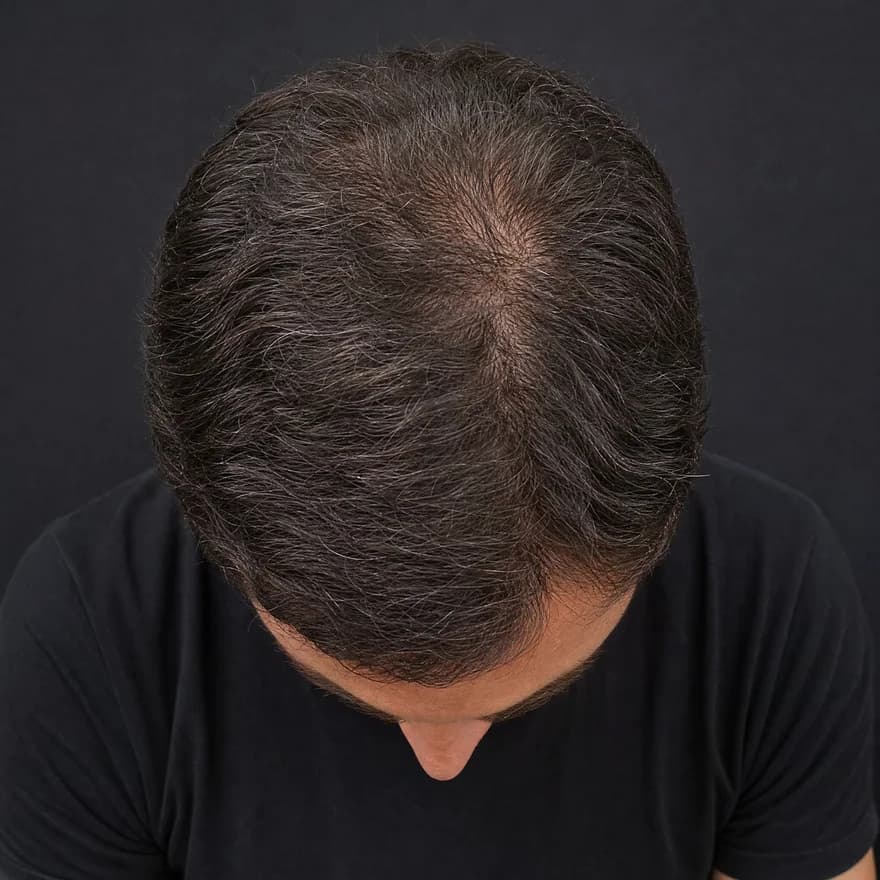
Top · Crown
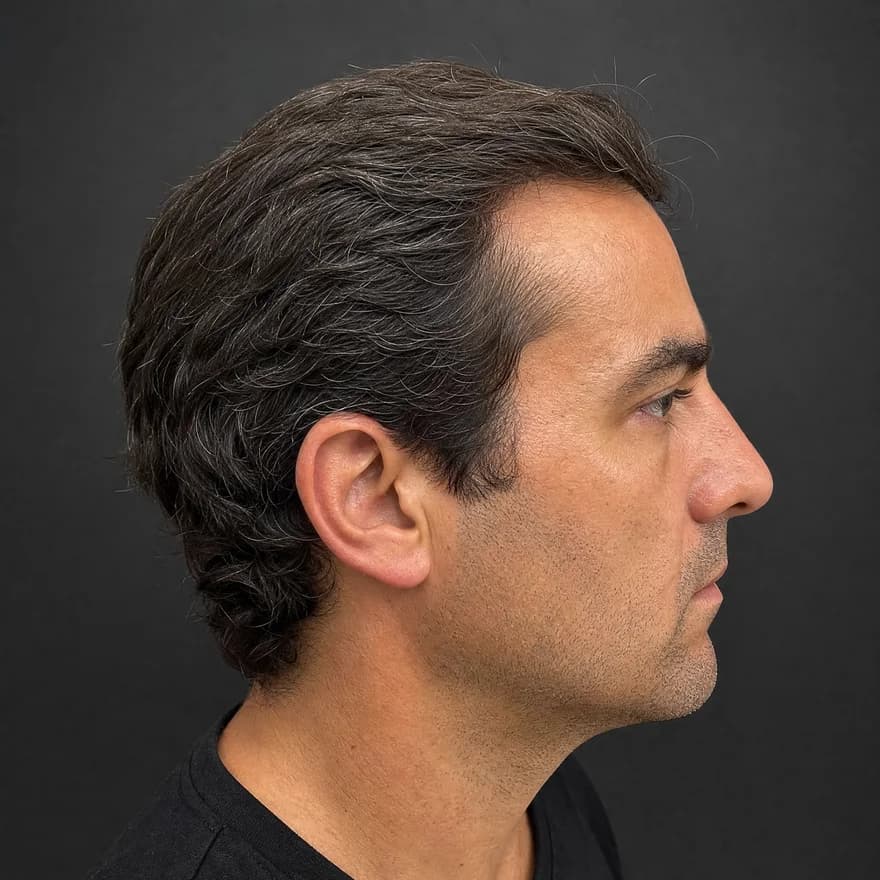
Side · Temple
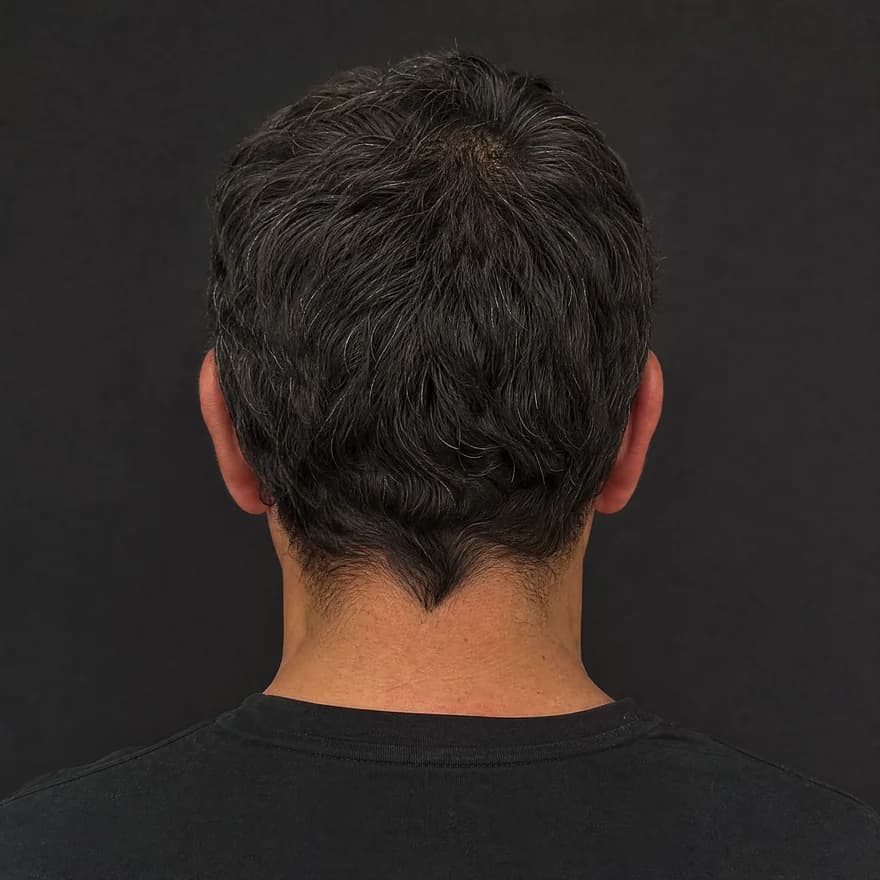
Back
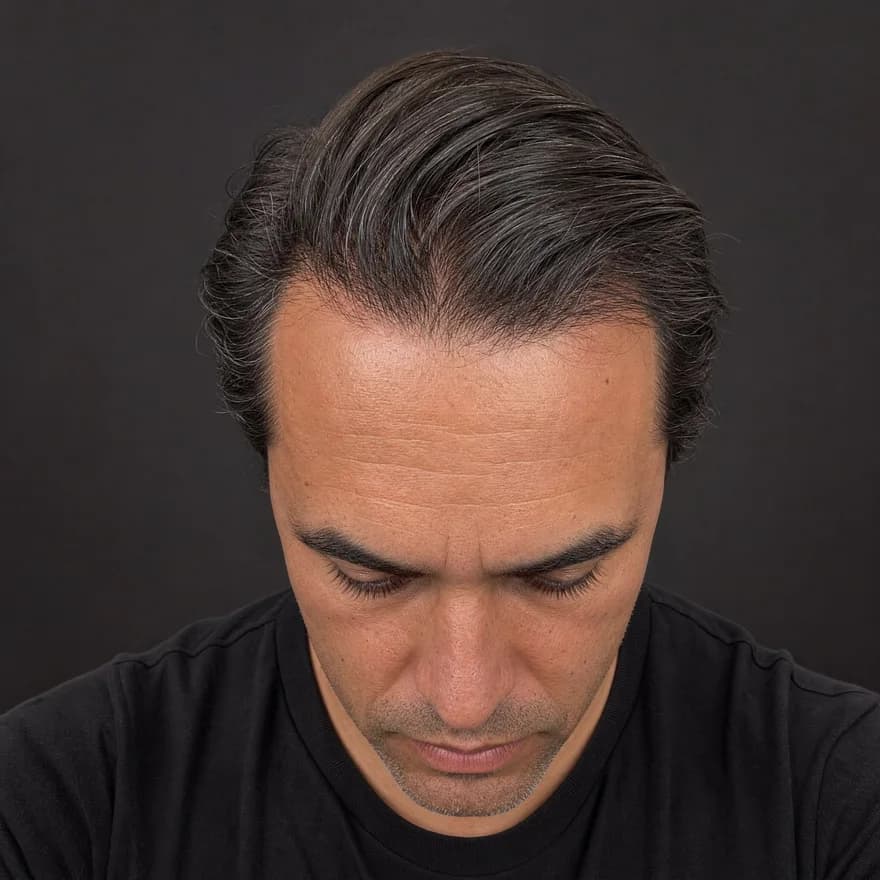
Front · Hairline
Same four angles, every time — illustrative example
Front · crown · temple · back
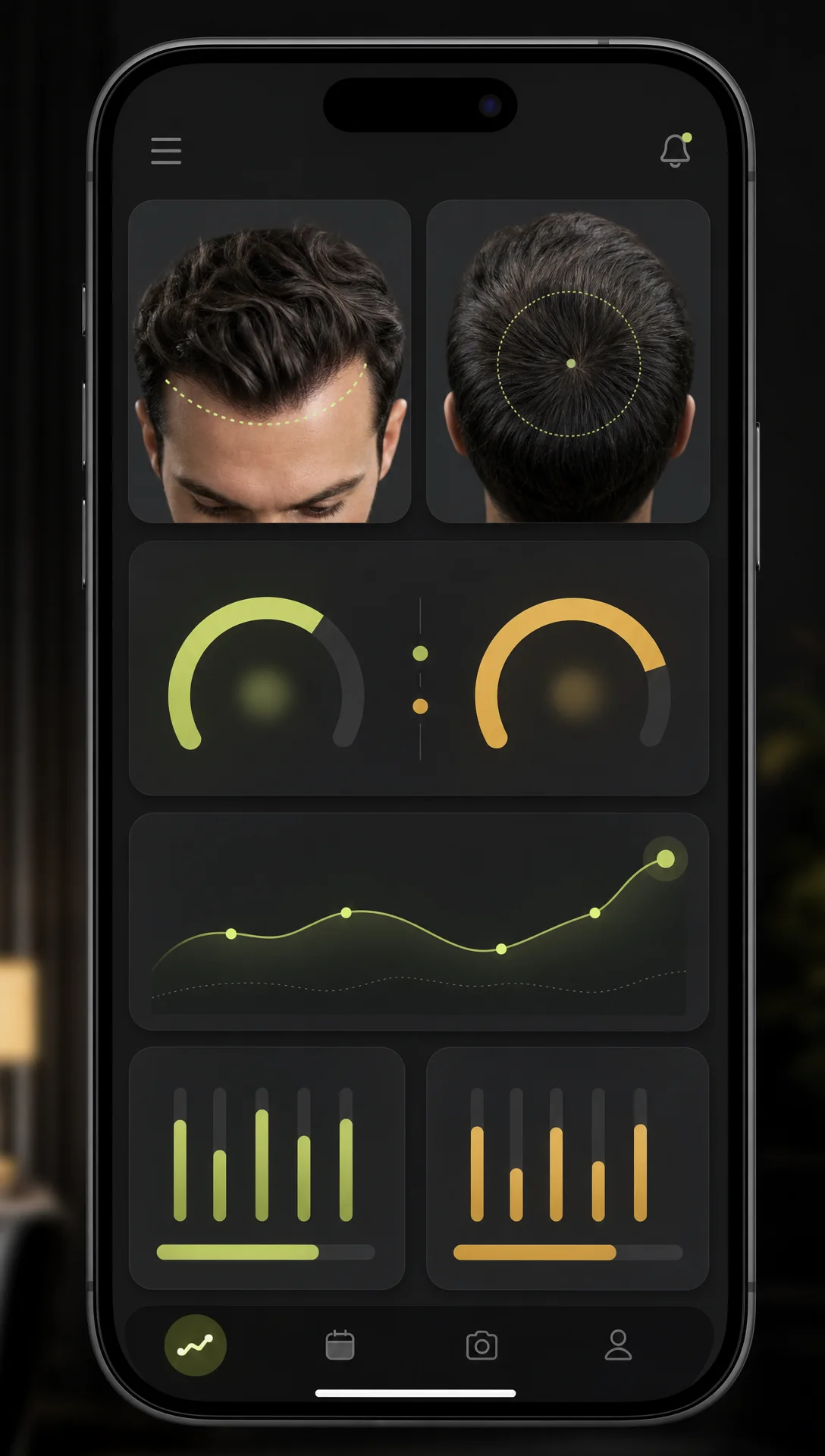
Four guided angles in about 30 seconds — the same views every time.
Hairline · density · scalp
AI reads each angle for hairline shape, crown density, and scalp surface.
Usable · limited · low-light
Every reading shows its confidence — limited views are flagged, not guessed.
Your baseline, revisited
Save it, rescan later, and see exactly what moved.
The protocol
Every step exists to remove one source of fake change. Guided capture runs the framing steps for you — the rest is habit.
Camera at eye level, face square to the lens, chin neutral. A phone held low or a head tilted back visually rewrites the corners — geometry drift is the biggest single source of false alarms.
Pull hair back off the forehead identically each session — dry, unstyled, no product. A different push-back redraws the visible edge more than most real change does.
Daylight from a window beats bathroom spotlights, and flash is banned: hard overhead light shadows the corners into a deeper M than you own.
Same setup, 8–12 weeks apart, every set dated. Two disciplined sessions per season out-inform a hundred anxious mirror checks.
Why guided capture
You could run the whole protocol by hand. These are the four things guided capture does better than discipline alone.
Guided front and side angles position the line and both corners identically every scan — consistency by construction, not by concentration.
ScalpAnalysis AI's own analysis engine classifies the visible line — even, maturing, or M-shaped — and edge density as stable tiers with confidence shown.
Every scan is saved as a dated baseline, so this quarter's line is always compared against your own record — not against memory.
Hairline photos are personal. Yours are processed for your report only — never used to train AI, never shared.
What you get
An illustrative example of the hairline read — yours is built from your own front and side views.
Questions
Face the camera straight on at eye level, chin neutral, hair pulled back off the forehead the same way every time, in soft even light — near a window, no flash. Take a front view plus both sides for the corners, and repeat the identical setup each session. Guided capture automates the framing so each scan lines up with your first, which is the part freehand selfies always drift on.
Because the setup changes more than your hairline does. Camera height moves the apparent line, tilt reshapes the corners, harsh light deepens them, and a different hair push-back redraws the whole edge. That's normal physics, not gaslighting — and it's exactly why tracking needs fixed framing rather than a pile of unrelated selfies.
Every 8–12 weeks. Visible hairline change is slow, so monthly-or-faster comparisons mostly capture lighting, styling, and haircut noise. A slower cadence with identical setups gives you fewer, fairer data points — and a trend you can actually trust.
Hold everything constant except time, then compare like with like: same angle against same angle, months apart. Reading a tier helps too — the scan classifies the visible line and corner depth as stable tiers with confidence shown, so 'has it moved?' becomes a comparison of reads, not a squint at two thumbnails.
Old photos are genuinely useful context — a clear front-on shot from two years ago beats memory every time. But casual selfies vary in angle, lens, and light, so they set a rough reference, not a measurement. The honest setup is: mine old photos for the big picture, then start a proper fixed-framing baseline today for every comparison after.
It tells you the part no one else can: whether your visible line is stable or moving, on dated evidence. It doesn't diagnose anything, and no photo tool honestly can. If your trend is moving — or you want a medical read regardless — same-angle dated photos are exactly what makes a conversation with a qualified professional useful.
Taking the four guided photos and previewing your report is free, no sign-up needed. Unlocking the full analysis — the hairline read with tiers and confidence, density, scalp signals, and style suggestions — is $2.99 for the scan.
A note on transparency
ScalpAnalysis AI reads appearance-based signals and tracks visible change over time. It does not diagnose, treat, cure, or prevent any condition.
If you have pain, sudden shedding, or signs of infection, a qualified professional is the right next step.
The report it produces
This is the exact report format a scan unlocks — qualitative tiers, your visible features, and a confidence level on every reading. Saved as a baseline you compare against on every rescan.
Your Hair Profile
Temples just starting to open — crown still covered
Density
Medium
Type
Wavy
Texture
Medium
Shine
Medium
Risk of Recession
Low
Hair Loss
Mild
Illustrative example · sample data
Related guides
From the blog
Photos and a blurred preview are free. The full analysis is $2.99, or invite 3 friends for one free analysis.
