The Shaved-Head Preview
It might be the most-asked question in every thinning-hair forum — and the honest answer is that nobody can tell you from a text description. What helps is seeing it: take four guided photos, the scan reads your face shape, and shaved and buzz-length looks are rendered on your own front photo. No score, no verdict — a realistic preview so you can judge for yourself, plus an honest read of your hairline today if thinning is what brought you here.
Photos and a blurred preview are free. The full reading is $2.99 — your stage, whether it looks early, and what to do next.
The step-down range
Most men don't jump straight to the razor. Preview the ladder and find the step you'd actually enjoy.

Crew Cut

Buzz Cut

Stubble Crop

Low Fade

Induction Cut

Shaved Head

Shaved + Beard

Buzz + Beard
Editorial style references from our library — illustrative examples, not client results.
How it works
Same four angles, every time — so each new scan compares fairly to your very first.
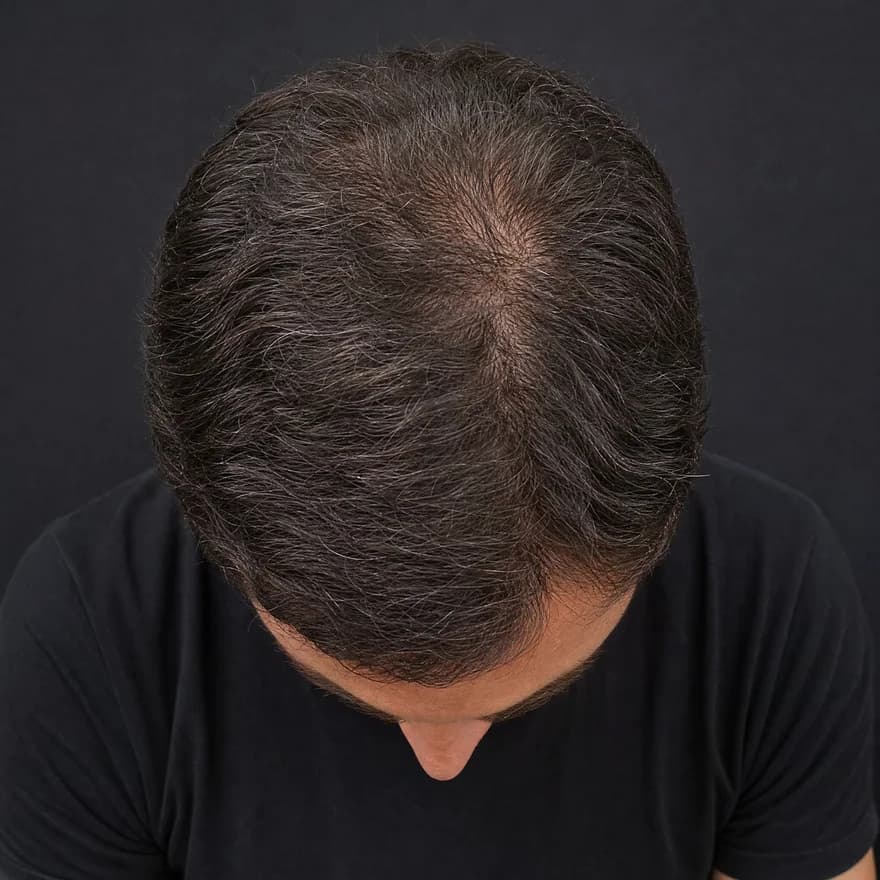
Top · Crown
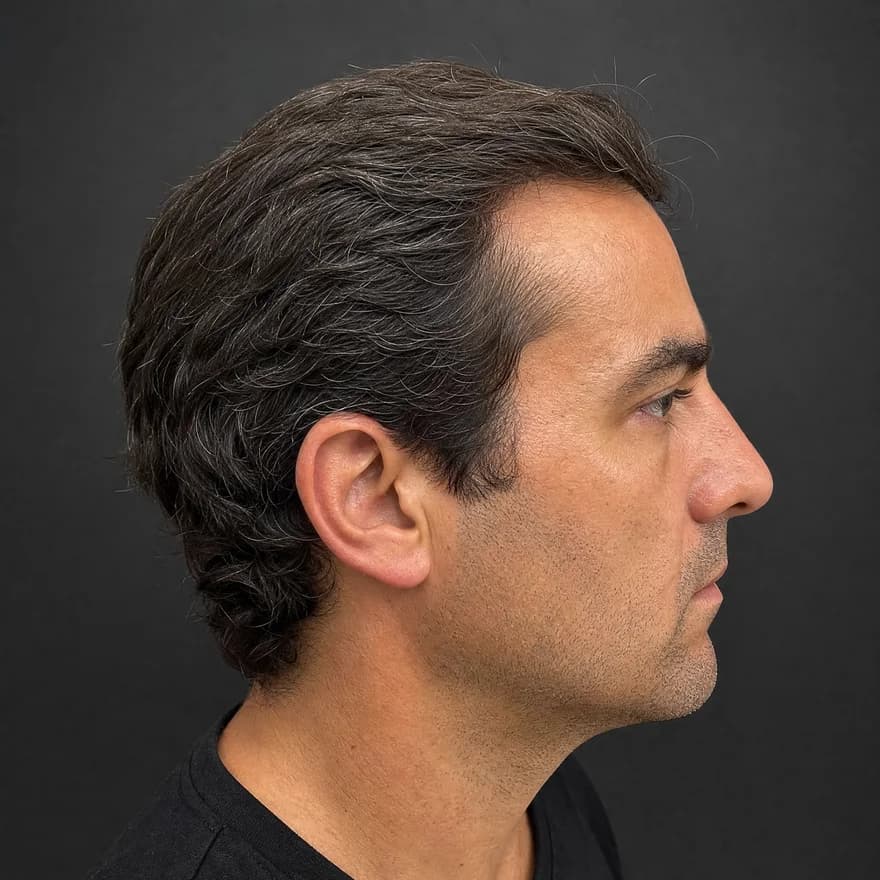
Side · Temple
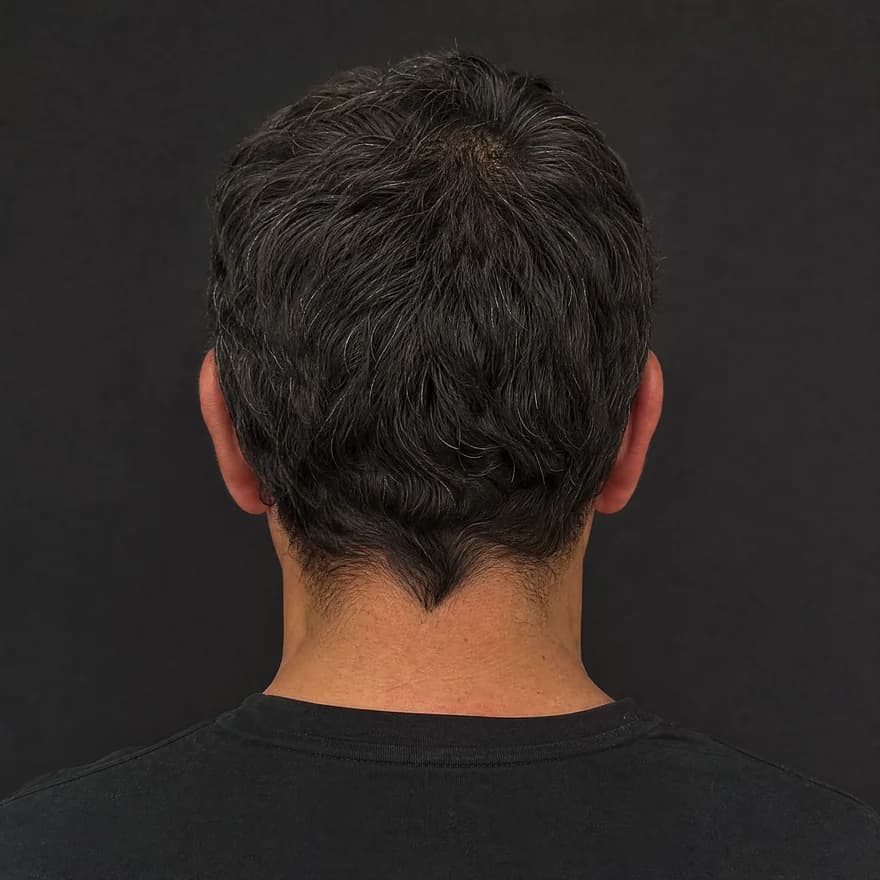
Back
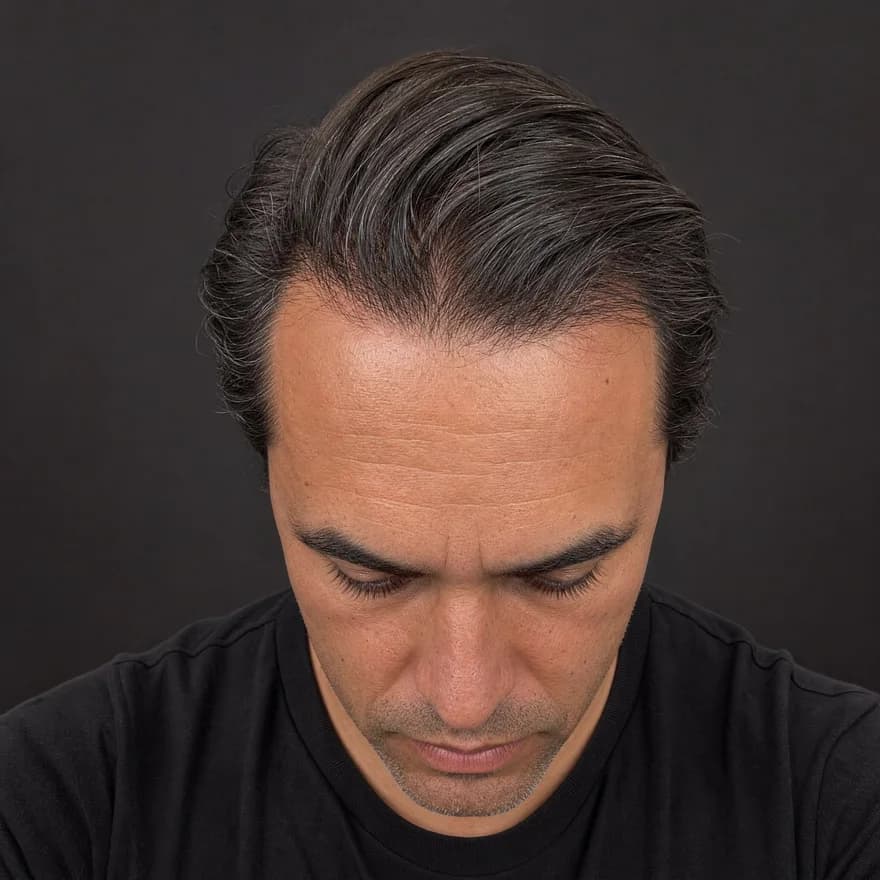
Front · Hairline
Same four angles, every time — illustrative example
Front · crown · temple · back
Four guided angles in about 30 seconds — the same views every time.
Hairline · density · scalp
AI reads each angle for hairline shape, crown density, and scalp surface.
Usable · limited · low-light
Every reading shows its confidence — limited views are flagged, not guessed.
Your baseline, revisited
Save it, rescan later, and see exactly what moved.
A fair fight
The question behind the question is usually 'is it time?'. A preview turns that from a feeling into a comparison.
Neither side is 'right' — the preview exists so you choose from evidence, on your own timeline.
How it works
Top, side, back, and front — about 30 seconds with on-screen guides. The front photo drives the face-shape read and the previews.
Your report reads visible hairline and density signals in plain language — where things stand today, with confidence shown. No diagnosis, no fear tactics.
Render a shaved head, an induction cut, and buzz lengths on your own front photo. Flip between them and your current look until one feels like you.
Keep the preview that felt right. Whether that's booking the barber or keeping your current style and tracking your baseline — you decided from what you saw, not from a 3 a.m. worry spiral.
Questions
Take four guided photos — top, side, back, front. The scan reads your face shape, then renders a shaved head and buzz-length variations onto your own front photo. You look at yourself, not at a bald filter pasted on a stock face, and make the call with your own eyes.
No app honestly can — 'looking good' is yours to judge, and we won't pretend to score it. What the preview does is remove the guesswork: you see the shape of the look on your actual face, compare it against a buzz cut and your current style, and decide from evidence instead of anxiety.
Barbers usually say oval and square faces carry a full shave most easily, while rounder or longer faces often look strongest one step up — a buzz or stubble length that keeps some structure. Your face shape is read from your front photo and shown alongside the previews, so you can test that folk wisdom on your own head rather than take it on faith.
That's the most common reason, and the scan is built for it: the same four photos give you an honest baseline of your visible hairline and density signals. Seeing where things actually stand — plus how a shave or buzz would look — turns a stressful spiral into a concrete decision between real options.
The classic advice is to step down gradually — buzz first, then shorter if you like it. The preview lets you run that experiment without touching your hair: compare a grade-2 buzz, an induction cut, and a full shave side by side on your own photo, and see which direction you keep coming back to.
It renders on your real photo, so your face shape, skin tone, and lighting carry through. It's still an illustrative preview — the exact contours of your scalp under the hair, and stubble shadow, only show up for real once you cut. Treat it as a strong directional reference, not a photograph of the future.
Yes. Photos are processed for your report and previews only — never used to train AI, never sold, never shared for advertising. That matters double on a question this personal.
A note on transparency
ScalpAnalysis AI reads appearance-based signals and tracks visible change over time. It does not diagnose, treat, cure, or prevent any condition.
If you have pain, sudden shedding, or signs of infection, a qualified professional is the right next step.
The report it produces
This is the exact report format a scan unlocks — qualitative tiers, your visible features, and a confidence level on every reading. Saved as a baseline you compare against on every rescan.
Your Hair Profile
Temples just starting to open — crown still covered
Density
Medium
Type
Wavy
Texture
Medium
Shine
Medium
Risk of Recession
Low
Hair Loss
Mild
Illustrative example · sample data
Related guides
From the blog
Photos and a blurred preview are free. The full analysis is $2.99, or invite 3 friends for one free analysis.
